Updated monthly
25,184+
Phones, tablets and gadgets swopped for cash — and counting.
+18% MoM vs. Q2
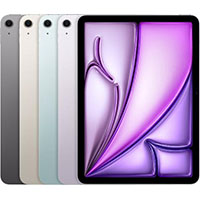 iPad Air 13-inch M2
Up to $590
iPad Air 13-inch M2
Up to $590
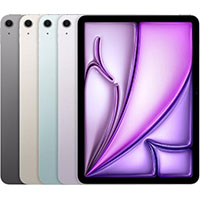 iPad Air 11in M2
Up to $490
iPad Air 11in M2
Up to $490
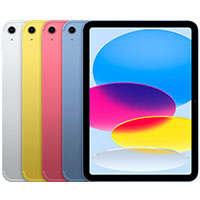 iPad ((10th Gen.))
Up to $263
iPad ((10th Gen.))
Up to $263
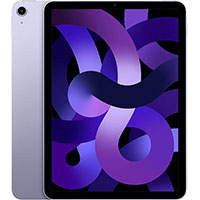 iPad Air ((5th Gen.))
Up to $298
iPad Air ((5th Gen.))
Up to $298
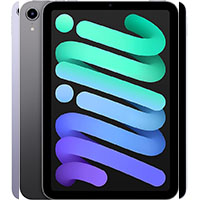 iPad Mini ((6th Gen.))
Up to $283
iPad Mini ((6th Gen.))
Up to $283
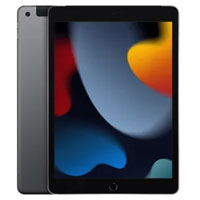 iPad (9th Gen.)
Up to $133
iPad (9th Gen.)
Up to $133
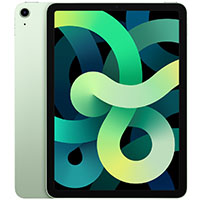 iPad Air ((4th Gen.))
Up to $213
iPad Air ((4th Gen.))
Up to $213
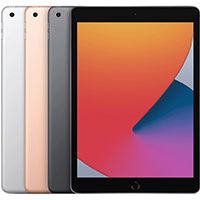 iPad (8th Gen.)
Up to $92
iPad (8th Gen.)
Up to $92
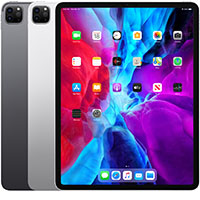 iPad Pro 12.9 (4th Gen.)
Up to $390
iPad Pro 12.9 (4th Gen.)
Up to $390
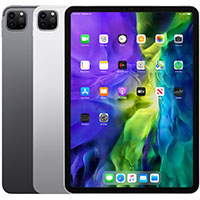 iPad Pro 11 (2nd Gen.)
Up to $330
iPad Pro 11 (2nd Gen.)
Up to $330
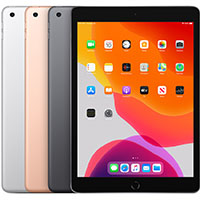 iPad (7th Gen.)
Up to $74
iPad (7th Gen.)
Up to $74
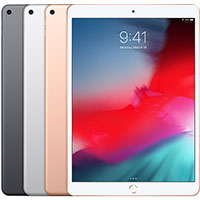 iPad Air (3rd Gen.)
Up to $143
iPad Air (3rd Gen.)
Up to $143
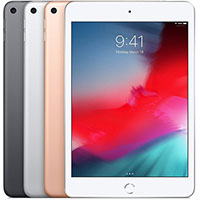 iPad Mini (5th Gen.)
Up to $138
iPad Mini (5th Gen.)
Up to $138
 iPad Pro 12.9-inch (3rd Gen.)
Up to $283
iPad Pro 12.9-inch (3rd Gen.)
Up to $283
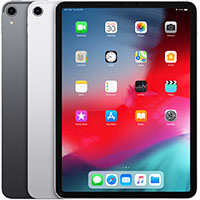 iPad Pro 11 Inch
Up to $238
iPad Pro 11 Inch
Up to $238
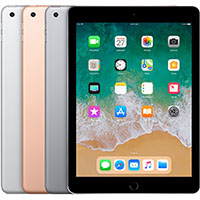 iPad (6th Gen.)
Up to $49
iPad (6th Gen.)
Up to $49
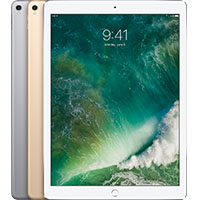 iPad Pro 12.9 (2nd Gen.)
Up to $153
iPad Pro 12.9 (2nd Gen.)
Up to $153
 iPad Pro 10.5
Up to $138
iPad Pro 10.5
Up to $138
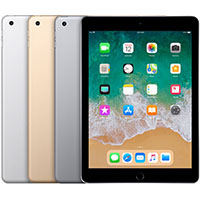 iPad (5th Gen.)
Up to $32
iPad (5th Gen.)
Up to $32
 iPad Pro 9.7 inch
Up to $62
iPad Pro 9.7 inch
Up to $62
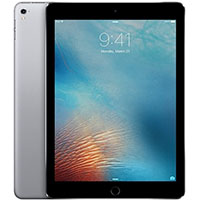 iPad Pro 12.9
Up to $128
iPad Pro 12.9
Up to $128
 iPad Mini 4
Up to $47
iPad Mini 4
Up to $47
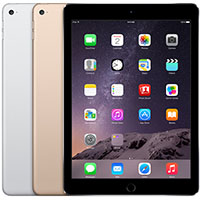 iPad Air 2
Up to $52
iPad Air 2
Up to $52
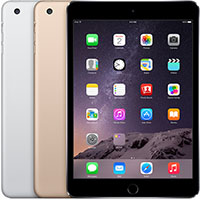 iPad Mini 3
Up to $42
iPad Mini 3
Up to $42
 iPad Mini 2
Up to $25
iPad Mini 2
Up to $25
 iPad Air
Up to $23
iPad Air
Up to $23
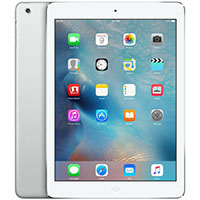 iPad Mini 1
Up to $27
iPad Mini 1
Up to $27
 iPad (4th Gen.)
Up to $22
iPad (4th Gen.)
Up to $22
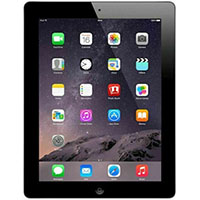 iPad (3rd Gen.)
Up to $22
iPad (3rd Gen.)
Up to $22
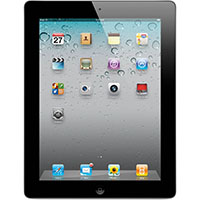 iPad (2nd Gen.)
Up to $25
iPad (2nd Gen.)
Up to $25
 iPad (1st Gen.)
Up to $27
iPad (1st Gen.)
Up to $27
Don’t see your item?
Get a custom quote
It depends on the model, its storage capacity, whether it’s Wi-Fi or cellular, and its condition. Find your Apple iPad above and answer a few quick questions — we’ll show you an instant offer.
Go to Settings, then General, then About. You’ll find Model Name, Model Number, and Capacity all on that page.
Settings, then General, then About. Look for Capacity — that’s the storage your Apple iPad shipped with, not the amount currently free.
Cellular iPads have a SIM tray on the edge of the case or support eSIM, and their Settings app includes a Cellular Data section. Wi-Fi models have neither.
You can also check Settings, then General, then About: a cellular iPad lists a Cellular Data Number or an IMEI. Cellular models are valued separately, so pick the right one.
Phones, tablets and gadgets swopped for cash — and counting.
Easiest transaction I have ever done when selling my phone. As long as you are honest, they pay you what they say they will pay you initially and money was in my account the same day the received my device. Highly recommend them over any other options out there.
Better Business Bureau · accredited since 2016, zero unresolved complaints.
PayPal or Zelle in minutes, direct deposit in 1–3 business days, or a check by mail if you're old school.
Same team, same address, and the same promise for 10 years.